
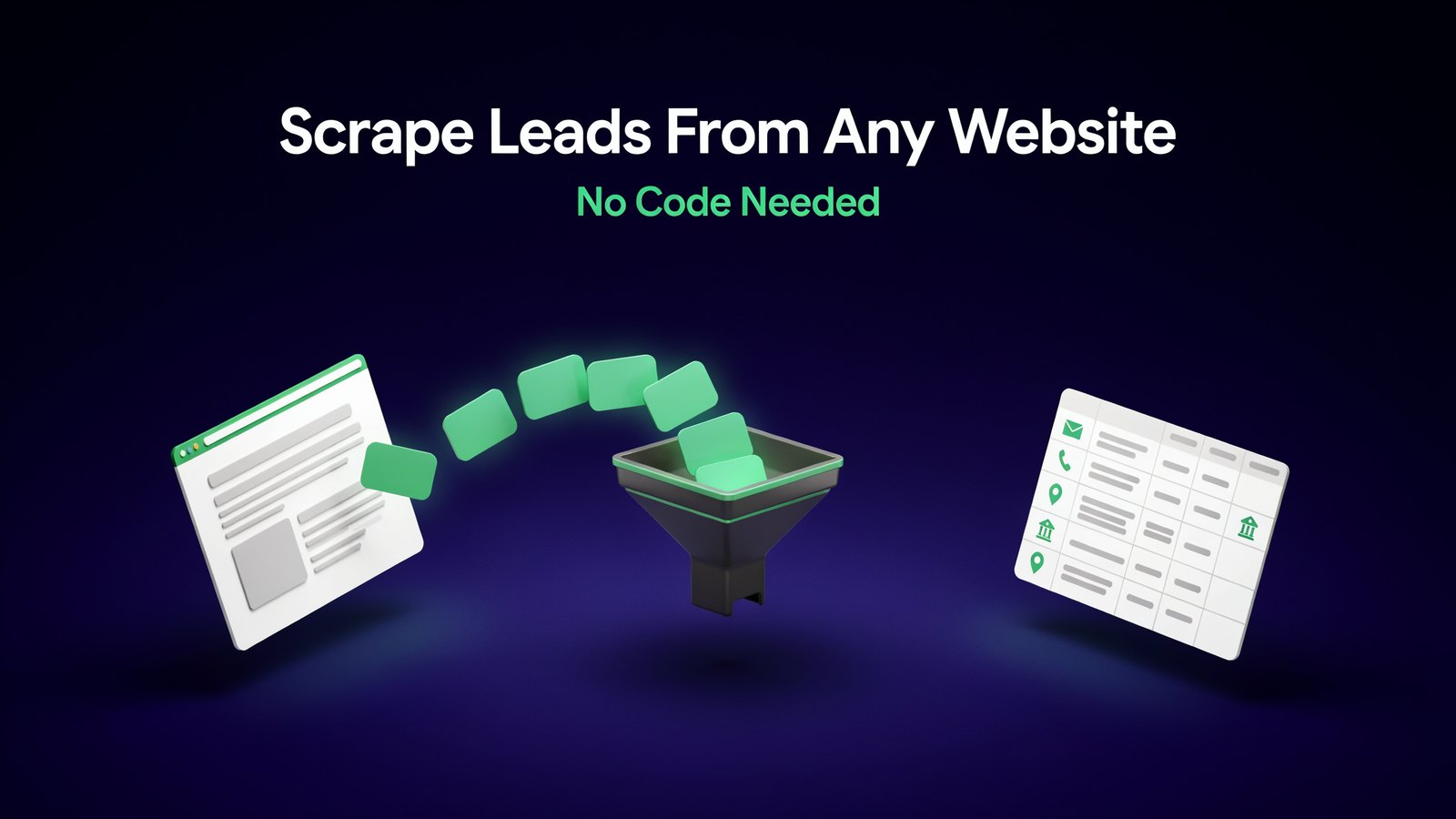
Copy. Paste. Copy. Paste.
If you've ever built a lead list by hand, you know the pain. Hours of clicking through directories and maps, pasting names and phone numbers into a spreadsheet, one at a time.
There's a much faster way. Lead scraping tools pull that information off a website for you, in minutes.
And you don't need to know any code. Here's how to do it, step by step, and how to use the leads without annoying anyone or breaking the rules.
What Is Lead Scraping?
Lead scraping means collecting business contact details from websites automatically.
Think of a directory with 500 plumbers in your city. Each listing has a name, phone number, website and address. A scraper reads the page and turns those listings into a neat spreadsheet.
That's it. Same information you could copy by hand. Just a thousand times faster.
Why Scraping Used to Be So Hard
Scrapers aren't new. But for years they were a pain to use.
Most needed a custom setup for every website, sometimes called a recipe or a phantom. When the website changed its layout, the scraper broke and somebody had to fix it.
That's why scraping was mostly done by developers or by agencies charging hundreds of dollars a month.
AI changed that. Modern AI scrapers look at a page the way a person does. You tell them what you want in plain words, and they figure out where it is.
What Kind of Leads Can You Scrape?
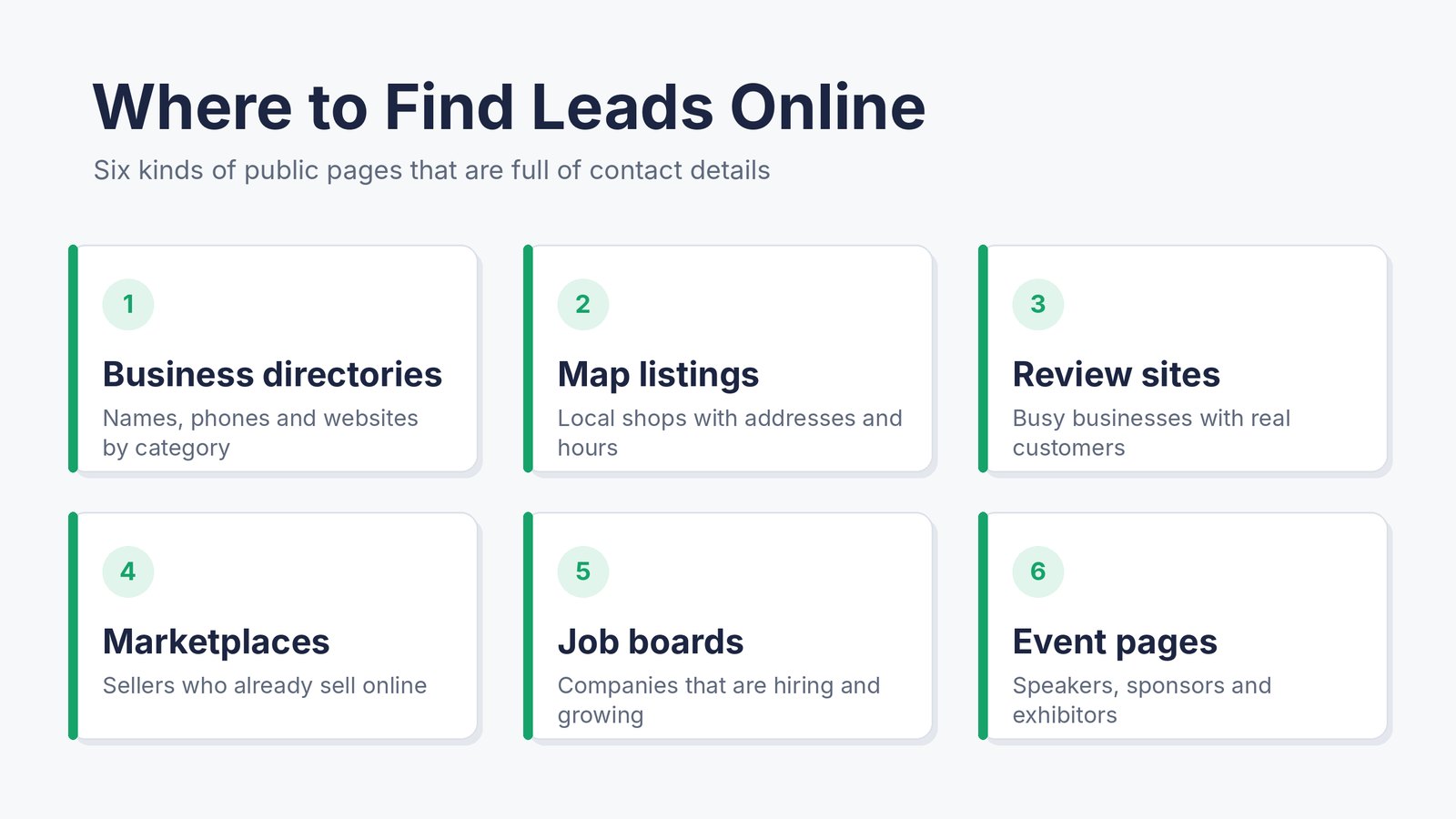
- Local businesses from map listings and business directories.
- Companies in a niche from industry directories and member lists.
- Sellers and products from online marketplaces.
- Businesses that are hiring from job boards, which often means they have budget.
- Reviews and ratings from review sites, to find businesses that need help.
- Exhibitors and sponsors from event and trade show pages.
- Freelance gigs and projects for agencies and freelancers looking for work.
The best lead lists come from pages where businesses list themselves on purpose. They want to be found.
Is Scraping Leads Legal?
Scraping public business information is common and widely done. But how you collect it and what you do with it both matter.
Follow these simple rules.
- Stick to public business data. Company names, business phone numbers and business emails that are openly listed.
- Respect each site's terms. Some websites ban scraping. If they do, skip them.
- Don't overload websites. Scrape at a normal pace, not thousands of pages a minute.
- Follow email laws. In the US, CAN-SPAM requires a real address and an easy way to opt out. In Europe, GDPR has stricter rules for personal data.
- Never scrape private or sensitive data. No passwords, no personal details behind logins.
This isn't legal advice. If you're scraping at scale or selling into Europe, it's worth a quick chat with a lawyer.
How to Scrape Leads Without Code, Step by Step
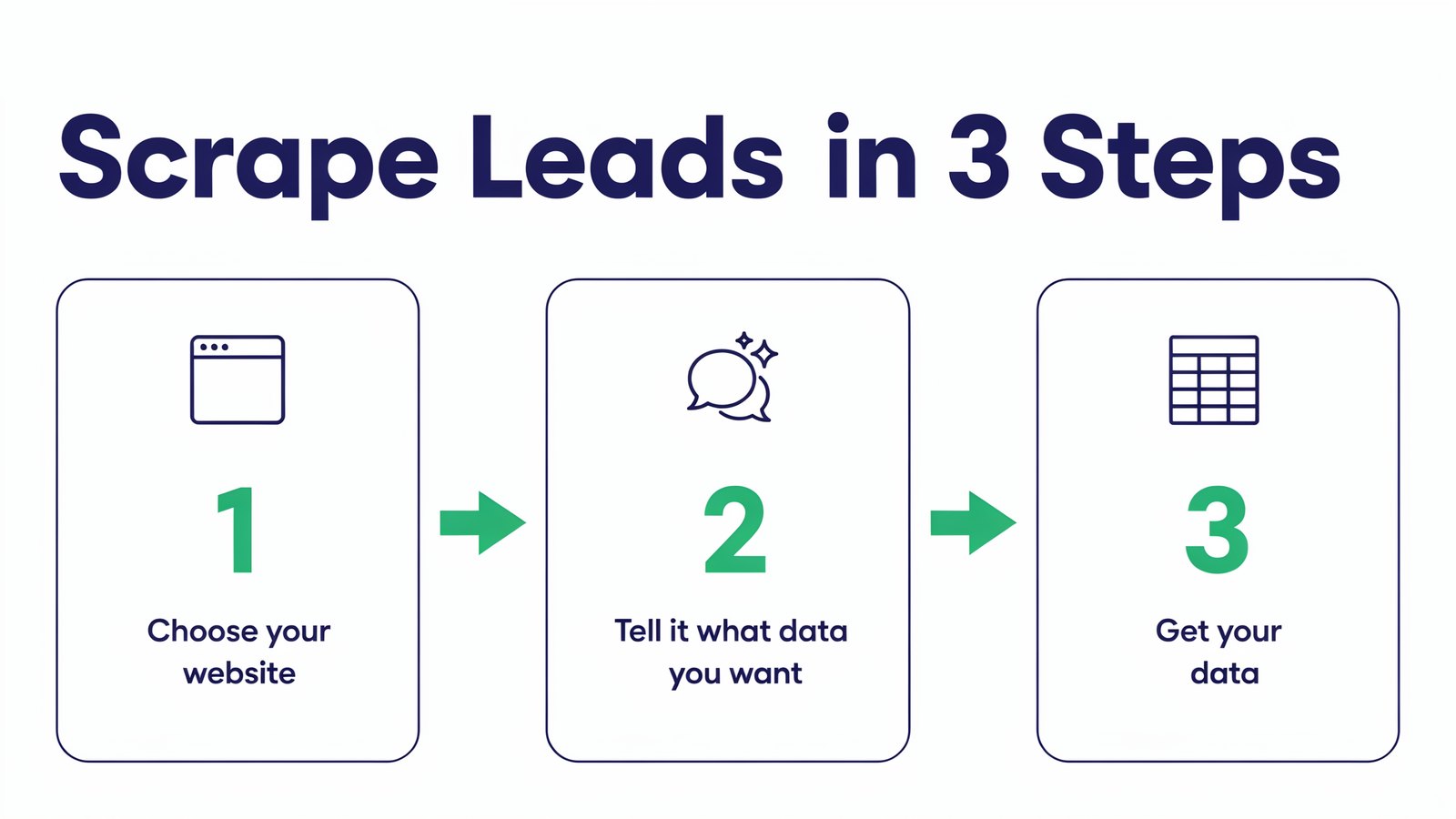
We'll use Diggy Miner AI for this walkthrough. Full disclosure, it's our own product, made by Teknikforce. The same basic steps work with most no-code scrapers.
Step 1. Pick the Right Website
Start with a page that lists the kind of business you want to sell to.
Selling websites to dentists? Find a directory or map search for dentists in your target city. Selling to online stores? Try a marketplace category page.
Open that page in Chrome.
Step 2. Tell Diggy Miner What You Want
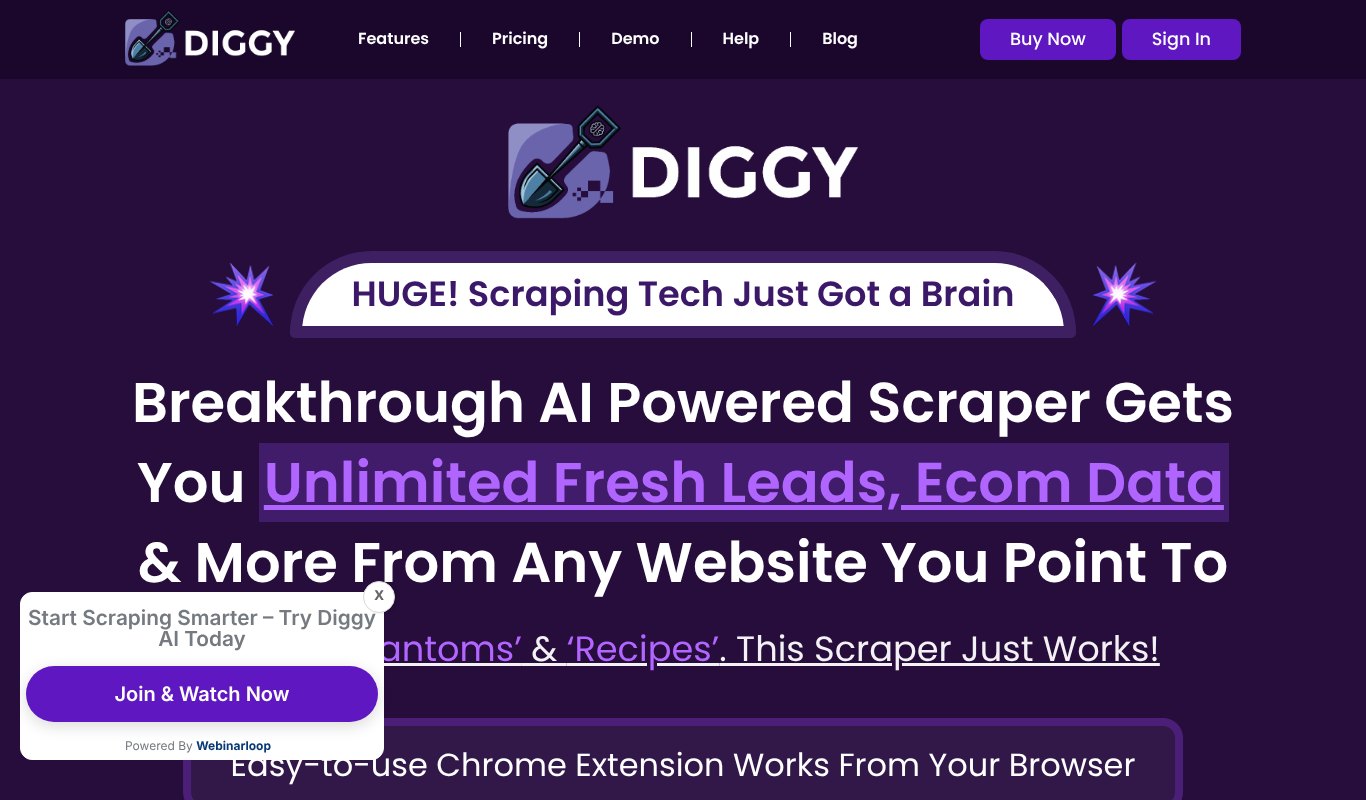
Diggy Miner is a Chrome extension, so it works right in your browser. Click it and describe the data you need in plain words.
For example, business name, phone number, website, address and rating.
There are no recipes to build and no code to write. The AI looks at the page and works out where each piece of information lives.
Step 3. Get Your Data
Diggy Miner pulls the data into a clean table. Check a few rows to make sure it grabbed the right things.
If a page has many results, let it work through the list. When it's done, export the leads to a spreadsheet.
Step 4. Clean and Check the List
Raw lists always need a quick tidy-up.
- Remove duplicates. The same business can show up twice.
- Fix formatting. Make phone numbers and names consistent.
- Verify emails before you send anything. Bad emails hurt your sender reputation.
- Add a column for notes, like why each lead is a good fit.
Step 5. Put the Leads to Work
A list sitting in a spreadsheet makes no money. Load it into your CRM or outreach tool and start a conversation. More on how to do that well below.
What Diggy Miner Can Dig Up
Diggy Miner isn't only for contact lists. Teams use it for all kinds of research.
- Lead lists with names, phones, emails and websites.
- Local businesses from map listings.
- Price data from competitor stores.
- Product lists with titles, prices, images and descriptions.
- Reviews to understand what customers love and hate.
- Real estate listings with price and location.
- Job listings and freelance gigs to spot opportunities.
Pricing Just $5.58 a month, paid yearly ($67 a year), or $6.99 month to month. There's a 30 day refund guarantee and 24/6 chat support.
How to Use Scraped Leads Without Being Spammy
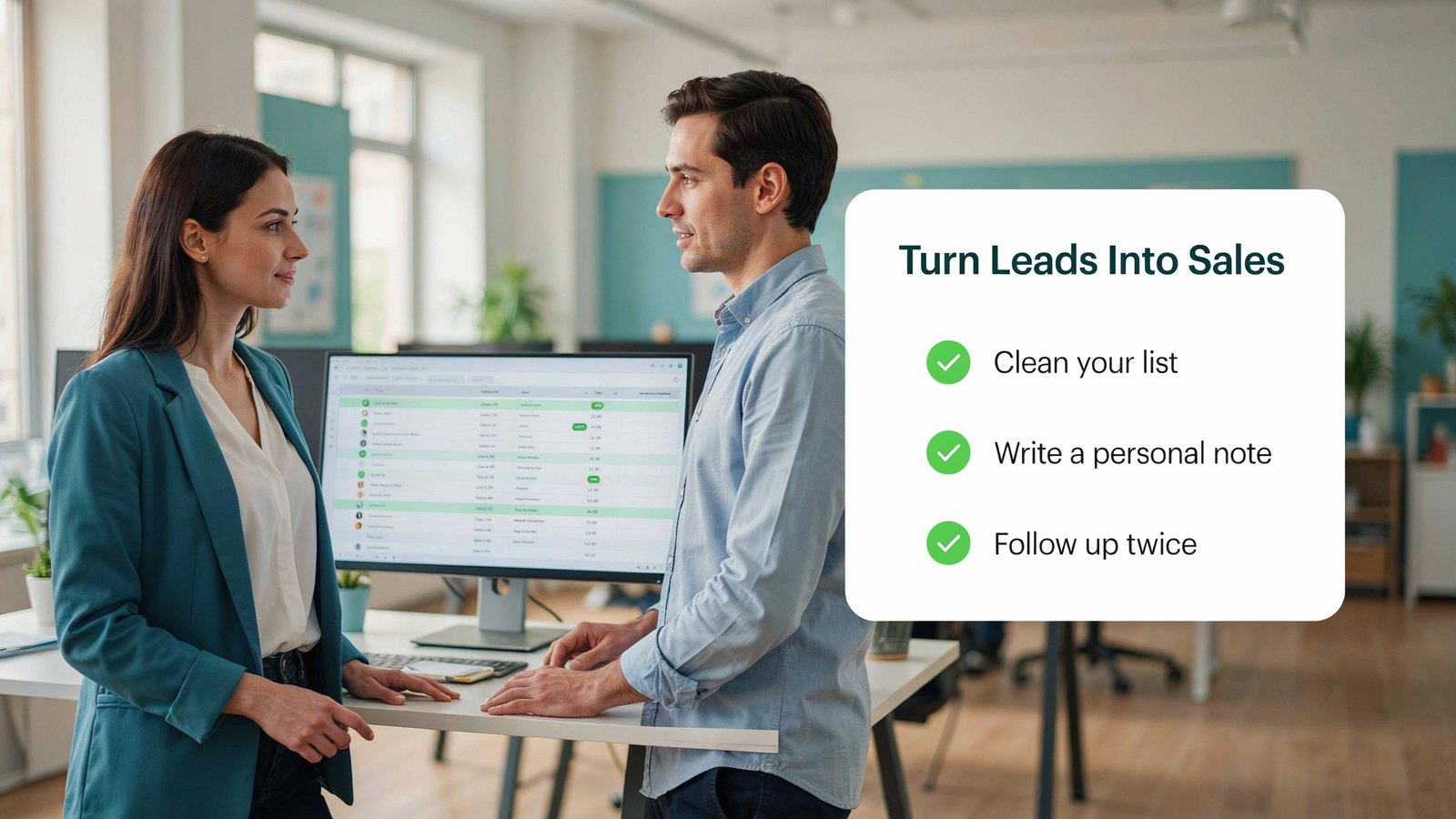
Here's where most people go wrong. They scrape 5,000 emails and blast the same message to all of them.
That gets you ignored, marked as spam, or worse.
Make it personal. Mention something real, like their reviews, their website or their location.
Lead with value. Offer a quick tip, a free audit or a useful idea before you ask for anything.
Keep it short. Three or four sentences beats three paragraphs.
Send in small batches. Fifty great emails beat five thousand bad ones.
Follow up once or twice. Most replies come after a follow-up, not the first email.
Make opting out easy. It's the law in many places, and it's just good manners.
A Simple First Email That Gets Replies
Here's an example for a web designer who scraped a list of local restaurants with low website speed scores.
"Hi Maria, I was looking for a place to eat near Main Street and found Bella Cucina. Your reviews are great, but your website took almost ten seconds to load on my phone. Most diners give up long before that. I put together three quick fixes that could help. Want me to send them over? No cost, no strings."
Notice what it does. It uses her name, shows a real reason for writing, points to a problem she cares about and offers something free.
It doesn't pitch a $3,000 website in the first line. The sale comes later, once there's a conversation.
Who Uses Lead Scraping?
Agencies build lists of local businesses that need websites, ads or SEO.
Freelancers find companies that are hiring for the skills they sell.
Sales teams fill their pipeline with fresh, targeted prospects every week.
Ecommerce sellers watch competitor prices and spot popular products.
Recruiters find companies with open roles and the people hiring for them.
Real estate agents track new listings and price changes in their area.
Market researchers collect reviews and product data to see what customers really want.
Build a Weekly Lead Routine
The real magic happens when scraping becomes a habit, not a one-time project.
Monday. Pick one niche and one city or category. Scrape 100 fresh leads.
Tuesday. Clean the list, verify emails and add one personal note per lead.
Wednesday and Thursday. Send 20 to 30 personal emails or calls a day.
Friday. Follow up with anyone who opened but didn't reply, and track what worked.
Do this every week and you'll never stare at an empty pipeline again.
Smart Ways to Use Scraped Data
Find businesses with weak reviews. If you sell reputation services, a 3-star business is your ideal lead.
Spot companies that are hiring. Hiring means growth, and growth means budget.
Track competitor prices. Scrape their product pages each month and see what changes.
Build local lists for cold calls. Phone numbers from map listings are perfect for local service sales.
Research a new market. Before you launch, scrape a marketplace to see how many sellers there are and what they charge.
Scraping vs Buying a Lead List
You can buy lead lists online. So why scrape your own?
Freshness. Bought lists are often months or years old. Businesses close, people change jobs and emails go dead. Scraped data is as fresh as the day you pull it.
Fit. A bought list is built for everyone. Your own list matches your exact niche, city and size of business.
Competition. The same bought list has probably been sold to dozens of other companies. Those inboxes are already tired of pitches.
Cost. Quality lists can cost hundreds of dollars for a few thousand contacts. A scraper lets you build as many lists as you need for one small monthly price.
What Makes a Good Lead?
Not every row in your spreadsheet is worth a call. Before you reach out, check each lead against a simple test.
- Do they need what you sell? A business with a slow website needs web help. One with a brand new site probably doesn't.
- Can they afford it? Look for signs like several locations, a team page or job openings.
- Can you reach a real person? A name and a direct email or phone number beat a general inbox.
- Is there a reason to talk now? New reviews, a new location or a hiring spree give you a natural opener.
Score each lead from one to three. Start with the threes.
Common Mistakes to Avoid
- Scraping everything. Pull only the fields you will actually use.
- Skipping verification. Sending to bad emails can get your domain blocked.
- Buying old lists instead. Fresh scraped data beats a list that was sold to a hundred other people.
- Ignoring site rules. If a site says no scraping, respect it.
- No follow-up plan. Decide how you'll contact leads before you collect them.
Keep Your Leads Organized
A messy list is almost as bad as no list. Set up a simple system from day one.
One sheet per niche. Keep dentists and plumbers in separate tabs or files so your messages stay relevant.
Add a status column. New, contacted, replied, meeting booked, won or lost. One glance tells you where everyone stands.
Record the source. Note which website each lead came from. Over time you'll see which sources bring the best customers.
Move hot leads to a CRM. Once someone replies, track the conversation in a proper CRM so nothing slips through the cracks.
Frequently Asked Questions
Can I scrape leads without coding?
Yes. AI scrapers like Diggy Miner work from your browser. You describe the data you want, and the tool collects it into a spreadsheet.
Is it legal to scrape business leads?
Collecting public business information is common, but follow each website's terms and email laws like CAN-SPAM and GDPR. Ask a lawyer if you scrape at large scale.
What is the best website to scrape leads from?
Business directories, map listings and industry member lists are great starting points, because businesses list themselves there to be found.
How much does a lead scraper cost?
Many scraping tools charge $50 to $300 a month. Diggy Miner costs $5.58 a month, paid yearly.
Should I buy a lead list or scrape my own?
Scraping your own is usually better. Your list is fresh, matches your exact niche, and hasn't been emailed by everyone else.
Final Thoughts
Good leads are sitting on public websites right now. You just need a faster way to collect them.
Pick a niche, find a page that lists them, and let a scraper do the copy and paste. Then spend your time on what actually wins deals, which is real, personal conversations.
If you want to scrape leads, prices and product data from any website with one click, try Diggy Miner AI for just $5.58 a month, paid yearly.